
 en
en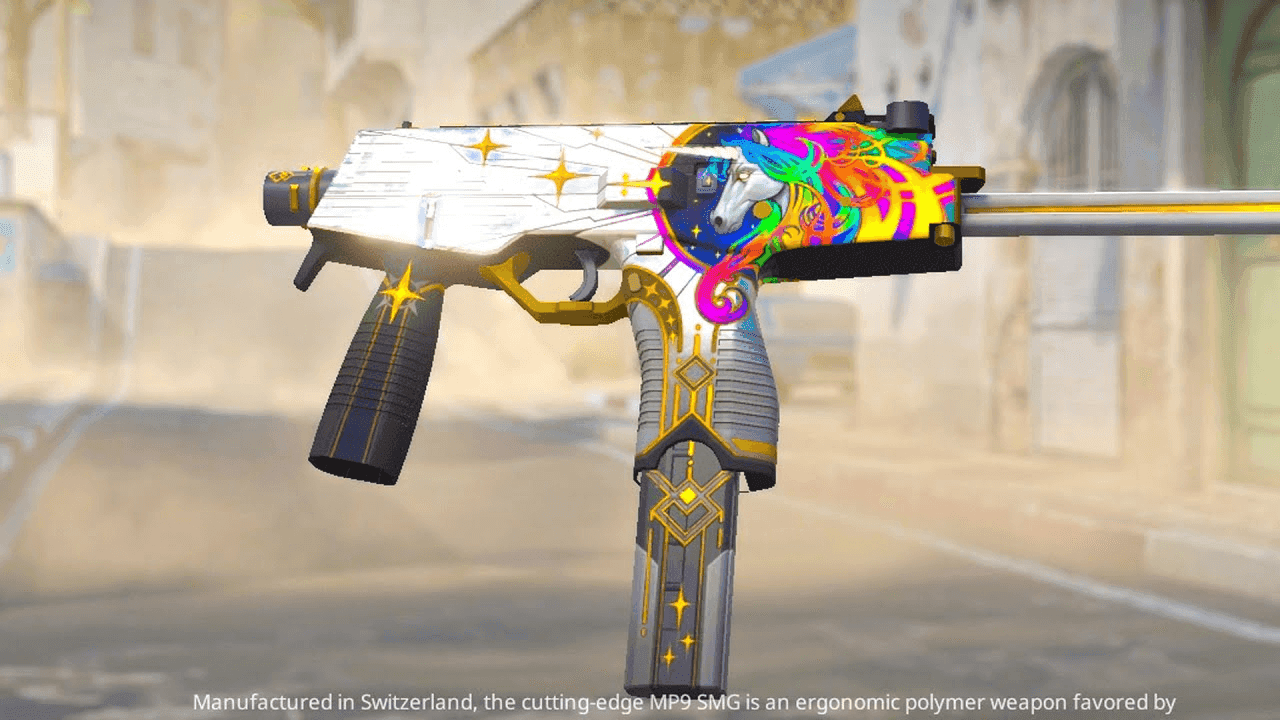
Counter-Strike 2 MP9: Dominate the Close Range Fights
The MP9 has cemented itself as a reliable choice for Counter-Strike players, especially on the CT side. It’s a budget-friendly SMG known for its mobility, rapid fire rate, and versatility in close-range battles. Despite being one of the cheaper weapons available, the MP9’s effectiveness makes it ideal for specific rounds, particularly anti-eco rounds and scenarios where teams need to save money without sacrificing firepower.
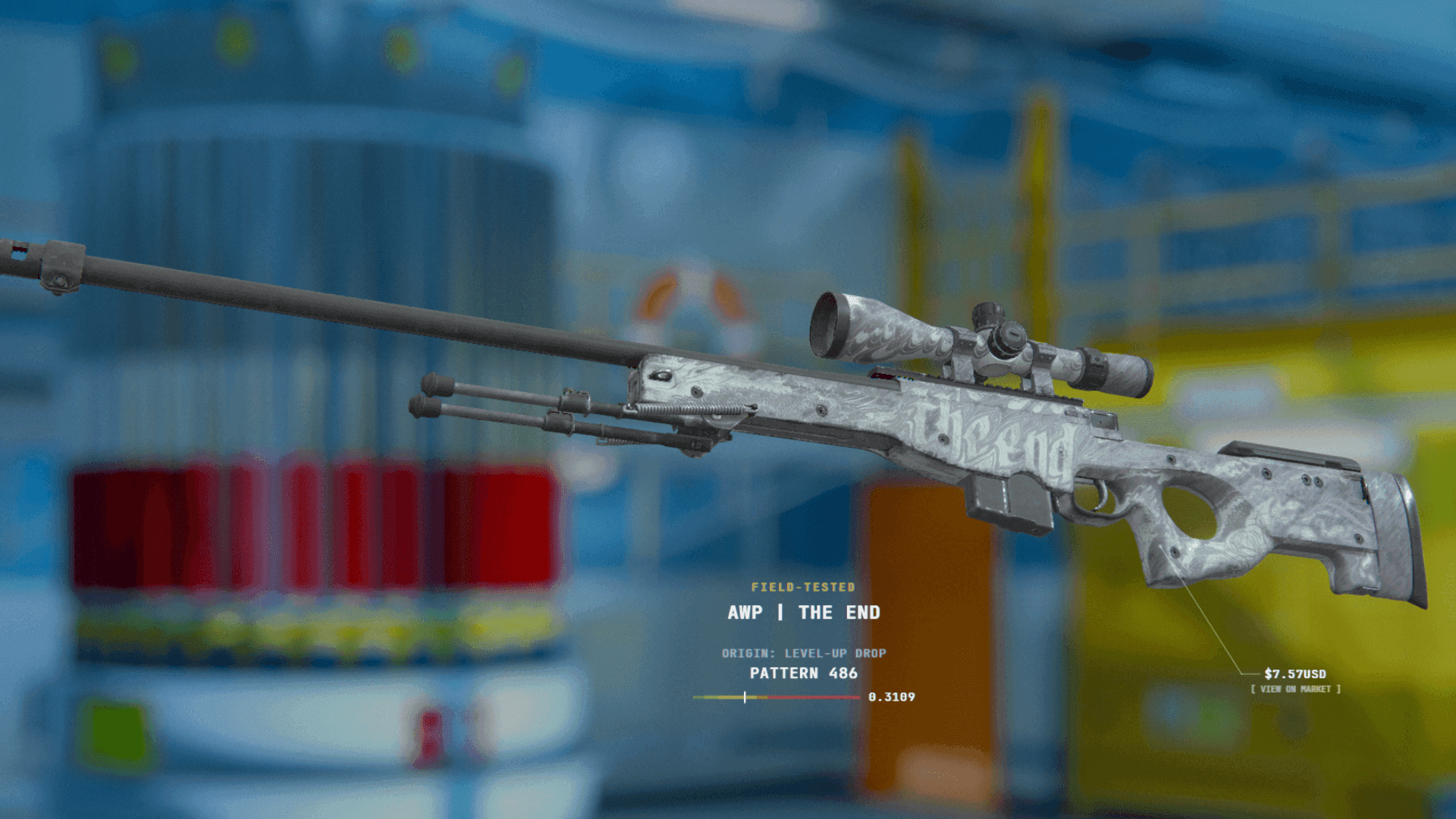
CS2 Skins Wear Rating and Float Values Explained
Evaluating CS2 weapon skins requires looking beyond simple condition labels. Behind every Factory New or Battle-Scarred tag lies a precise metric: the Float Value (or Wear Rating). Discovering float values reshaped how players trade and collect skins.
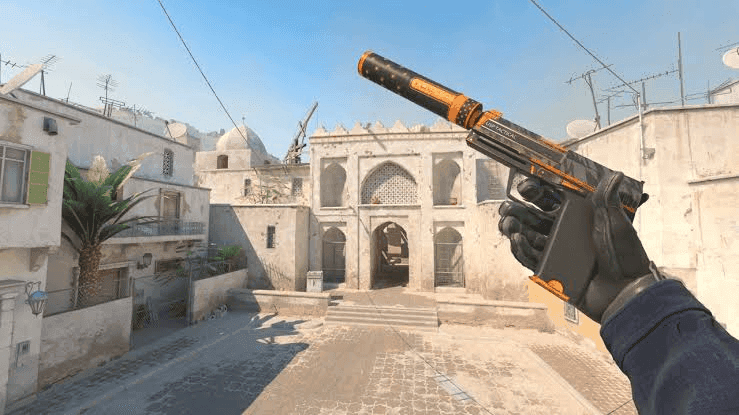
Counter-Strike 2 USP-S Weapon Guide: Silent Power in the Heat of Battle
The USP-S (Universal Selbstladepistole-S) is one of the most iconic weapons in Counter-Strike, available as the starting pistol for Counter-Terrorist players. This silenced sidearm has gained a significant following due to its stealth capabilities, high accuracy, and low recoil. While it has been a part of Counter-Strike for years, it remains a critical part of the Counter-Terrorist arsenal in Counter-Strike: Global Offensive and Counter-Strike 2. Learn everything about the Counter-Strike USP-S pistol.
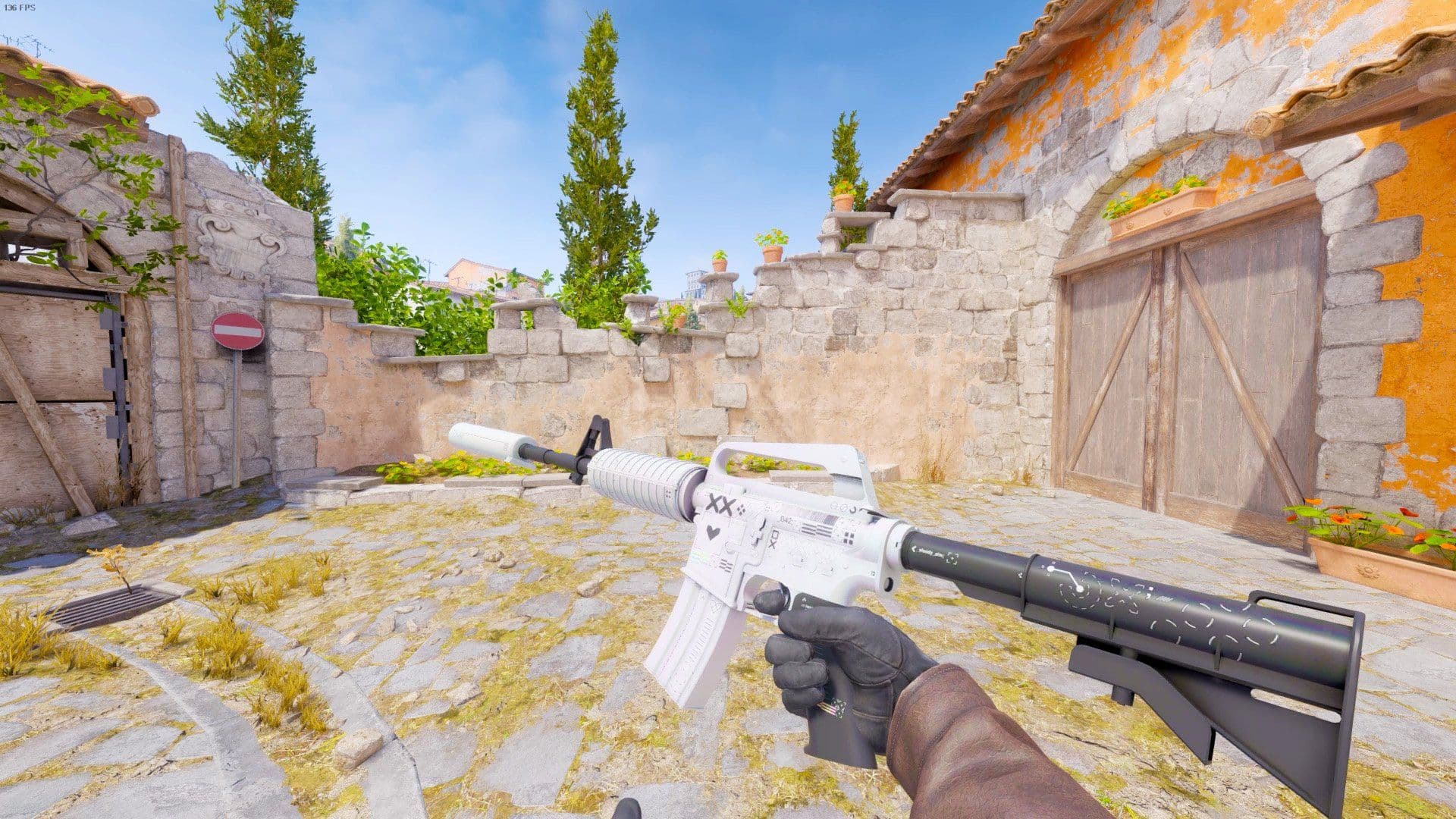
Counter-Strike 2 M4A1-S Weapon Guide: Stats and Tactics
The M4A1-S is a silenced assault rifle available exclusively to the Counter-Terrorist side in Counter-Strike: Global Offensive and Counter-Strike 2. This weapon, introduced in the August 14, 2013 Arms Deal update, is a modern successor to the Maverick M4A1 Carbine from earlier Counter-Strike games. The M4A1-S offers a stealthy approach to combat, making it a popular choice among players who value precision and subtlety.
More Articles
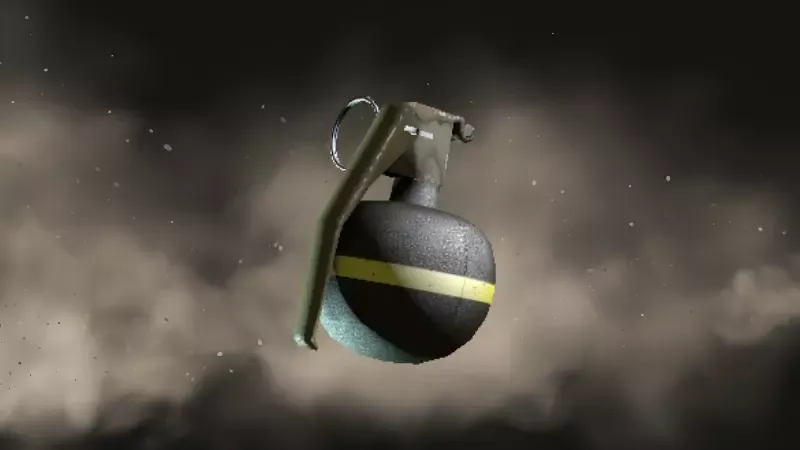
Counter-Strike 2 HE Grenade: Key Features and Tactical Insights
The HE Grenade in Counter-Strike is a simple but powerful tool. It delivers explosive damage over a wide area and plays a key role in both offense and defense. While players can only carry one at a time, proper use of the grenade can change the outcome of a round. This article breaks down how the HE Grenade functions, its properties, and how to use it effectively.
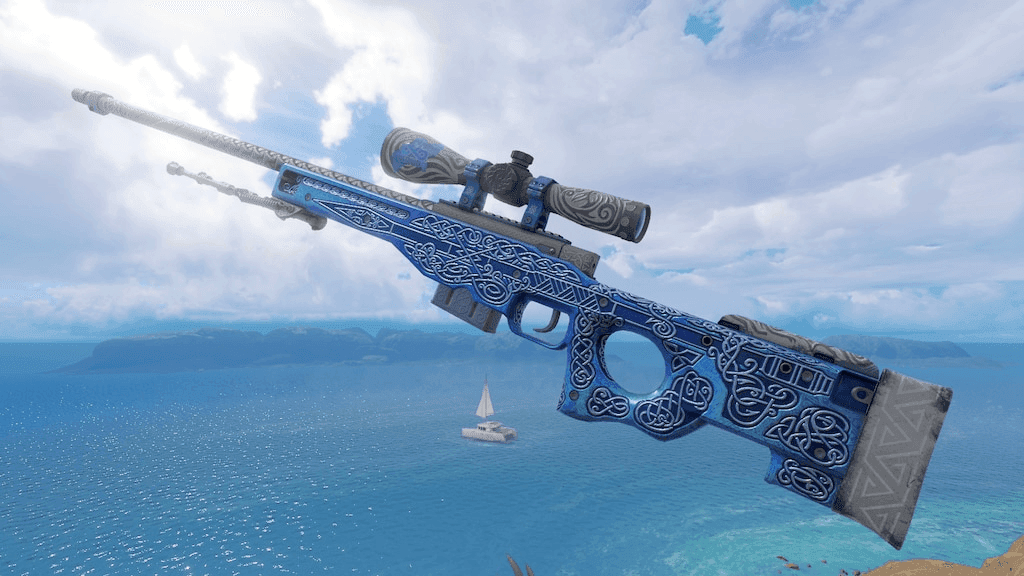
Counter-Strike 2 AWP Guide: A Deep Dive into the Legendary Sniper Rifle
The AWP (Arctic Warfare Police) in Counter-Strike is one of the most iconic weapons in the game, renowned for its high-powered, bolt-action precision. Inspired by the real-world Arctic Warfare series from Accuracy International, this sniper rifle demands skill and practice to master. Players who excel with the AWP often become the most feared opponents on the battlefield. Its reputation is built on both its formidable power and the skill required to use it effectively.
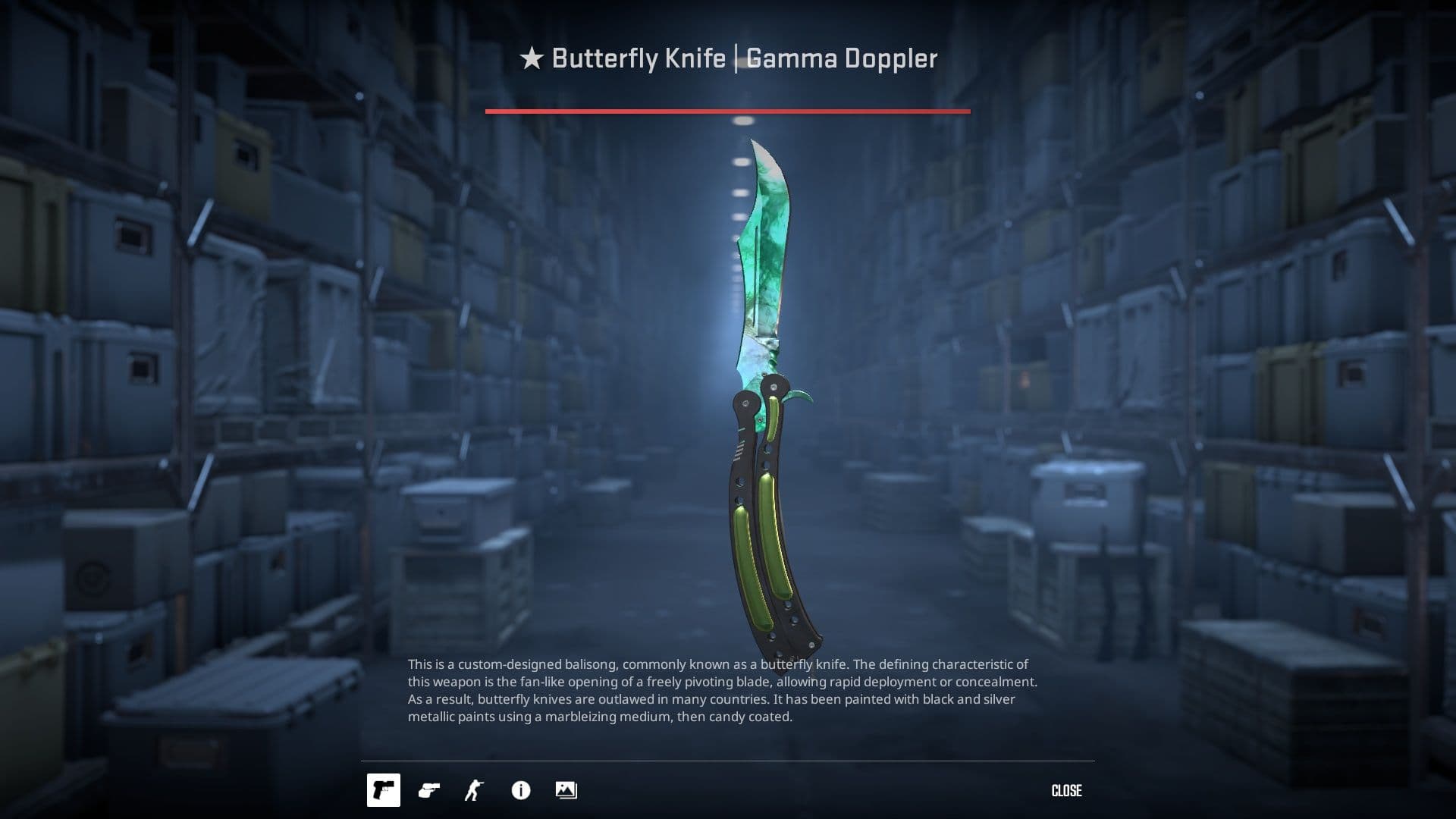
How CS2 Knife/Glove Trade Up Works: 2026 Guide
The CS2 Golds are a very expensive jackpot that can be accessed either via case opening or via trade ups. We will cover the opening odds in another article; for this, let’s deep-dive into how to get a Knife/Glove from trade up contracts.
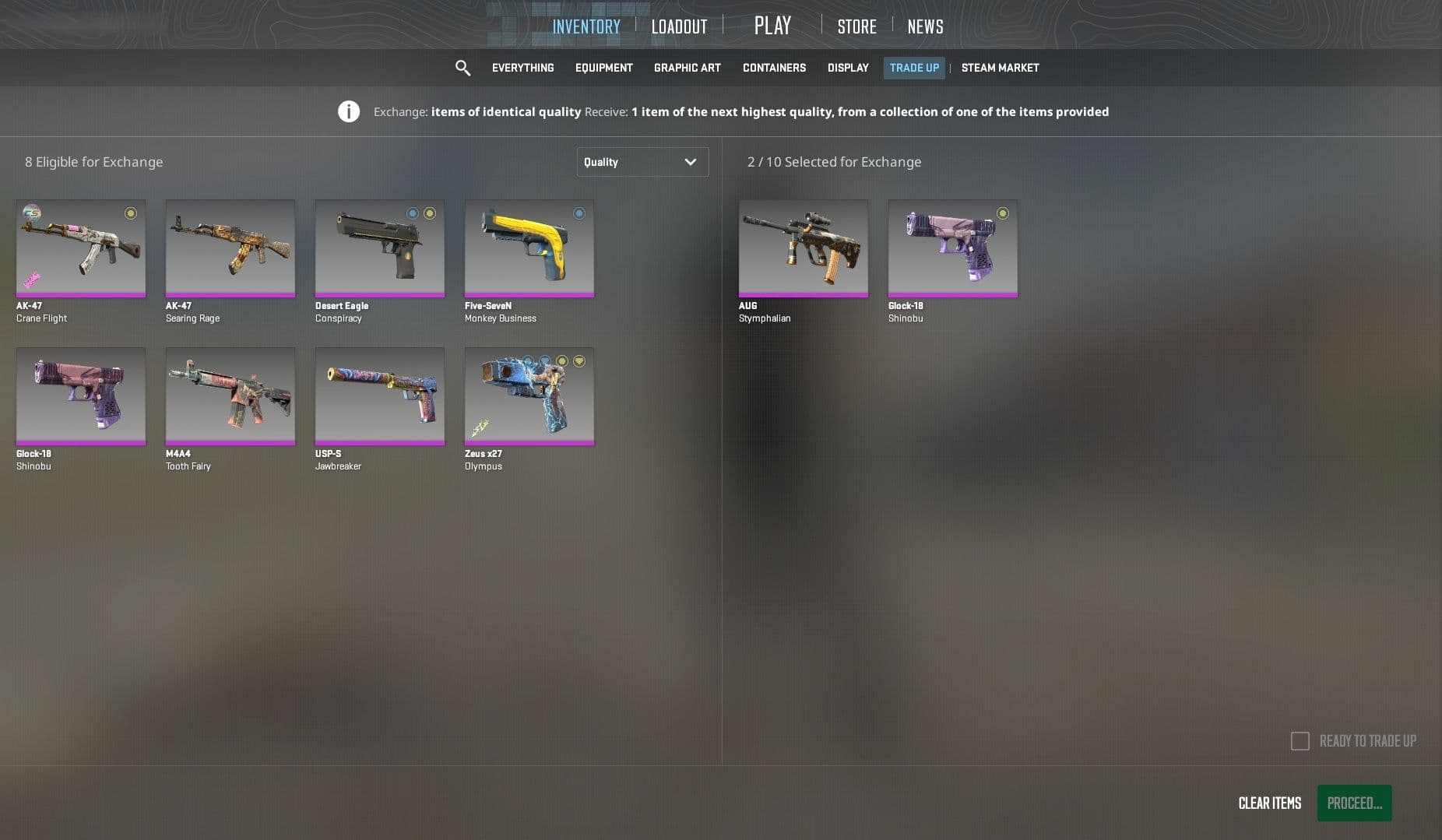
How CS2 Trade-Up Contracts Work: 2026 Guide
CS2 skins are one of the most sought-after in-game cosmetics in the gaming industry. The virtual cosmetics that decorate the weapons aren’t cheap either, with some of them demanding upwards of tens of thousands of dollars. Another way to get these sought-after skins are Trade Up contracts. Find out how they work below.
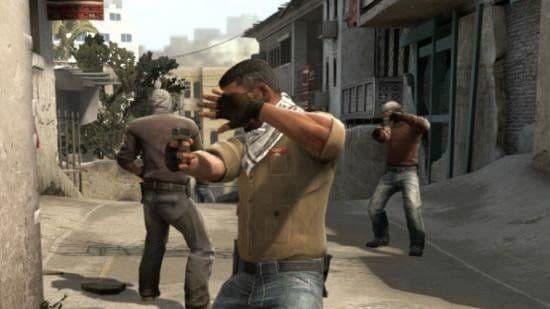
Counter-Strike 2 Flashbang Guide: Blind Your Enemies Effectively
The flashbang is a crucial utility in Counter-Strike, capable of turning the tide of a round by blinding opponents and creating opportunities. Unlike other grenades, it doesn’t deal damage but instead uses a bright flash and a loud bang to disorient enemies. Flashbangs are often used to gain control of chokepoints, execute site pushes, or counter aggressive plays. Knowing when and
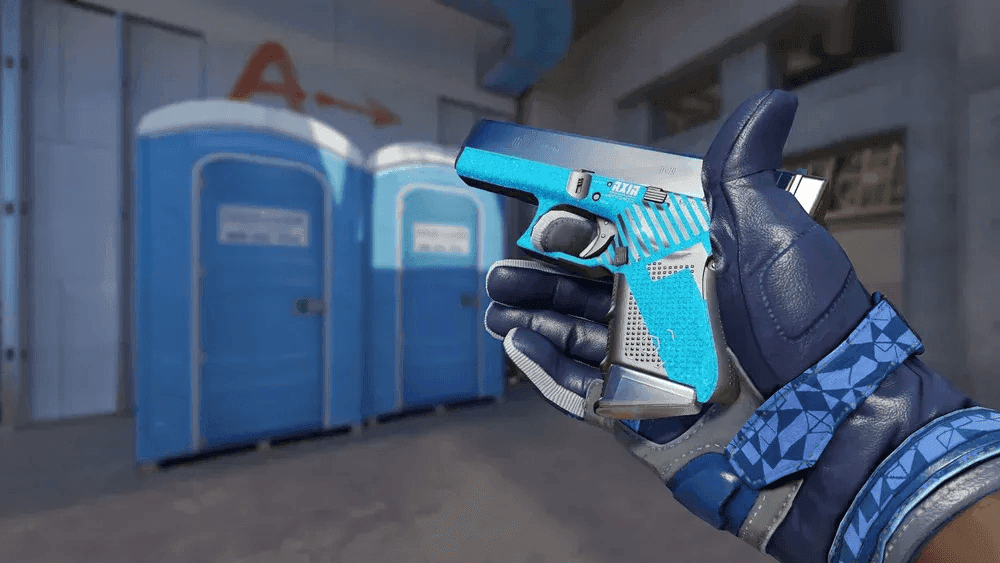
Counter-Strike 2 Glock-18 Guide: How to Dominate Pistol Rounds
The Counter-Strike Glock-18 is a staple sidearm for Terrorists from the start of every match. It costs little, yet it offers several advantages against unarmored enemies. Its burst-fire mode sets it apart from most pistols in Counter-Strike, making it a subject of interest for new and seasoned players. Many players underestimate its low damage per shot. Yet, the Glock-18’s fast firing rate and minimal recoil can make it effective in specific scenarios.
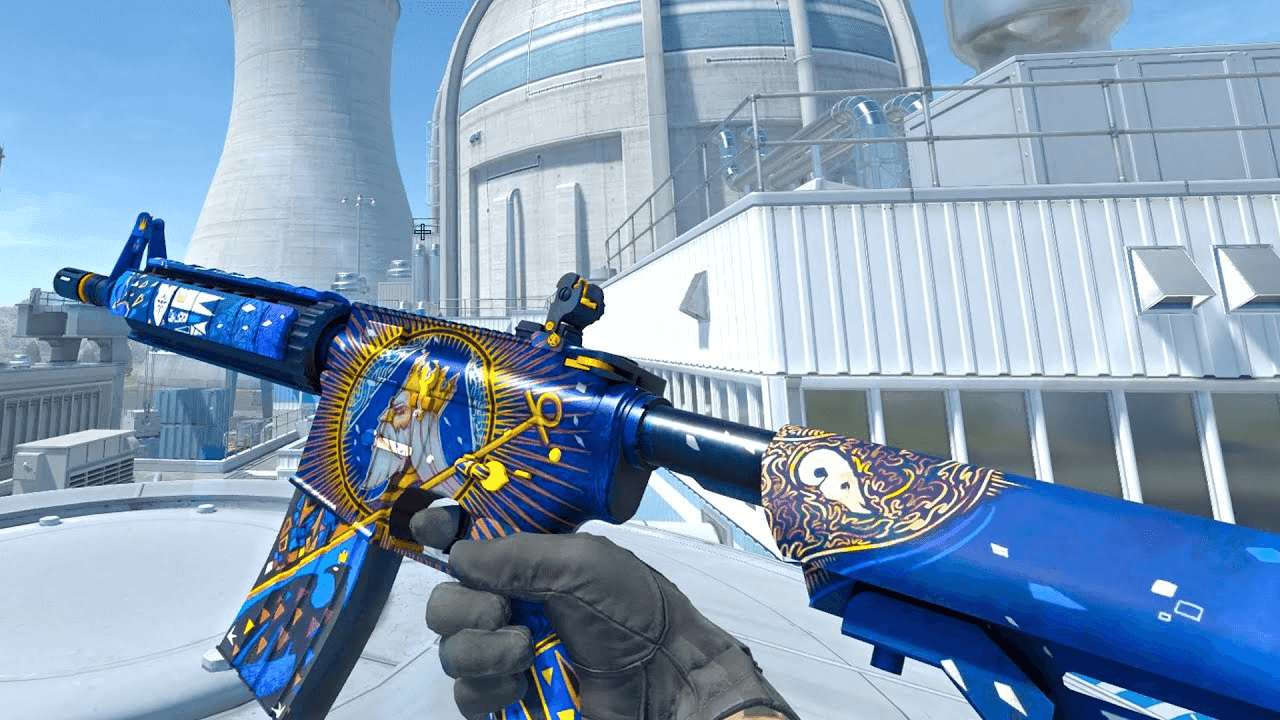
Counter-Strike 2 M4A4 Weapon Guide: Stats and Tactics
The M4A4 is a core rifle for Counter-Terrorists in Counter-Strike: Global Offensive and Counter-Strike 2. It’s often chosen for its high accuracy, fast fire rate, and large magazine size. While it doesn't offer a one-shot kill to the head like the AK-47, the M4A4 remains one of the most reliable rifles for defending. Learn everything about the Counter-Strike M4A4 — stats, recoil, tactics, spray control, and comparisons with the M4A1-S.
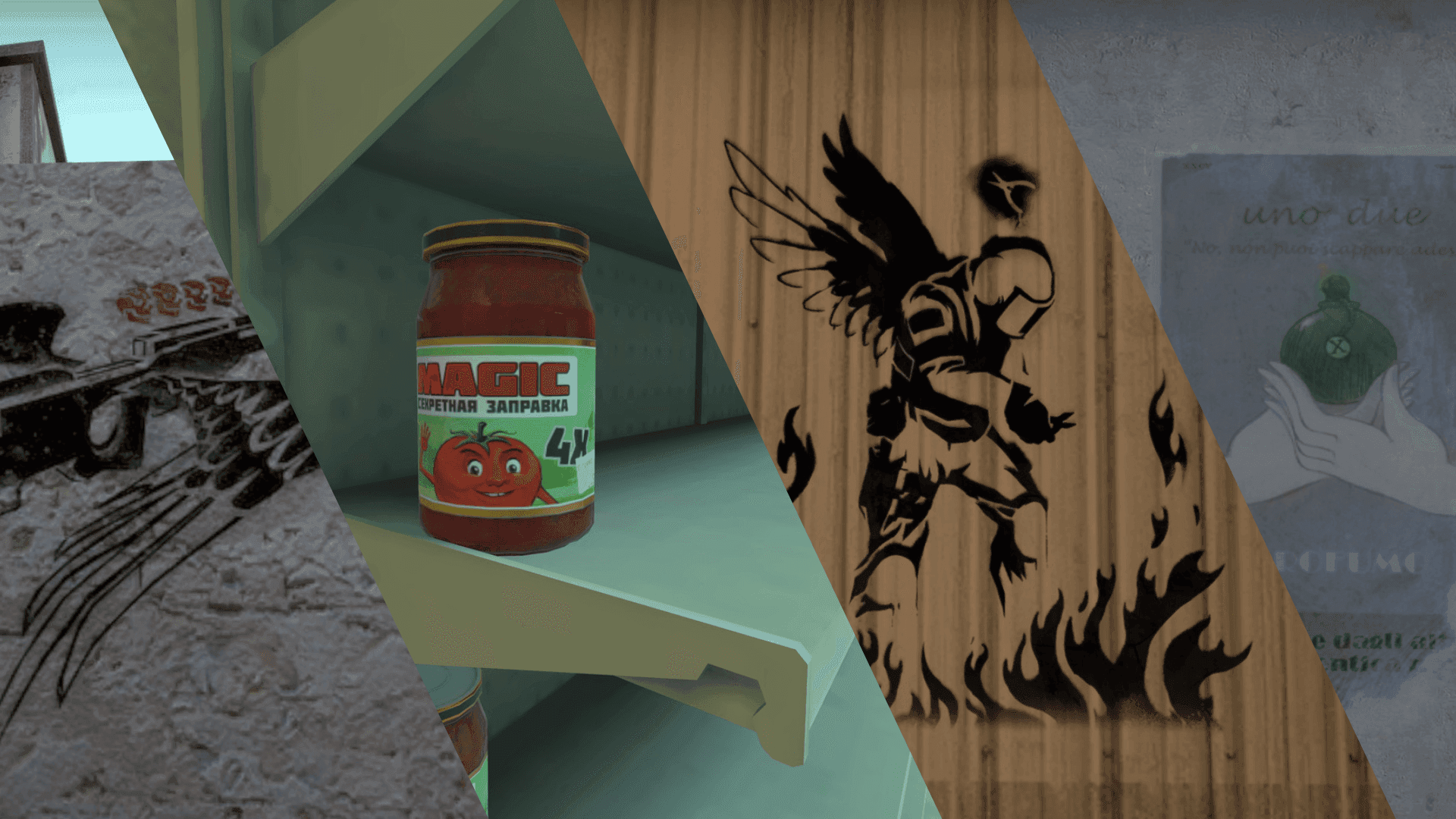
All CS2 and CS:GO Player Graffiti: The Full History Behind Every Map Tribute
If you know where to look, Counter-Strike maps double as interactive museums. Over the years, Valve has immortalized legendary, game-breaking, or ridiculously high-IQ plays from professional CS:GO Majors by permanently embedding them into the maps as graffiti and signs.
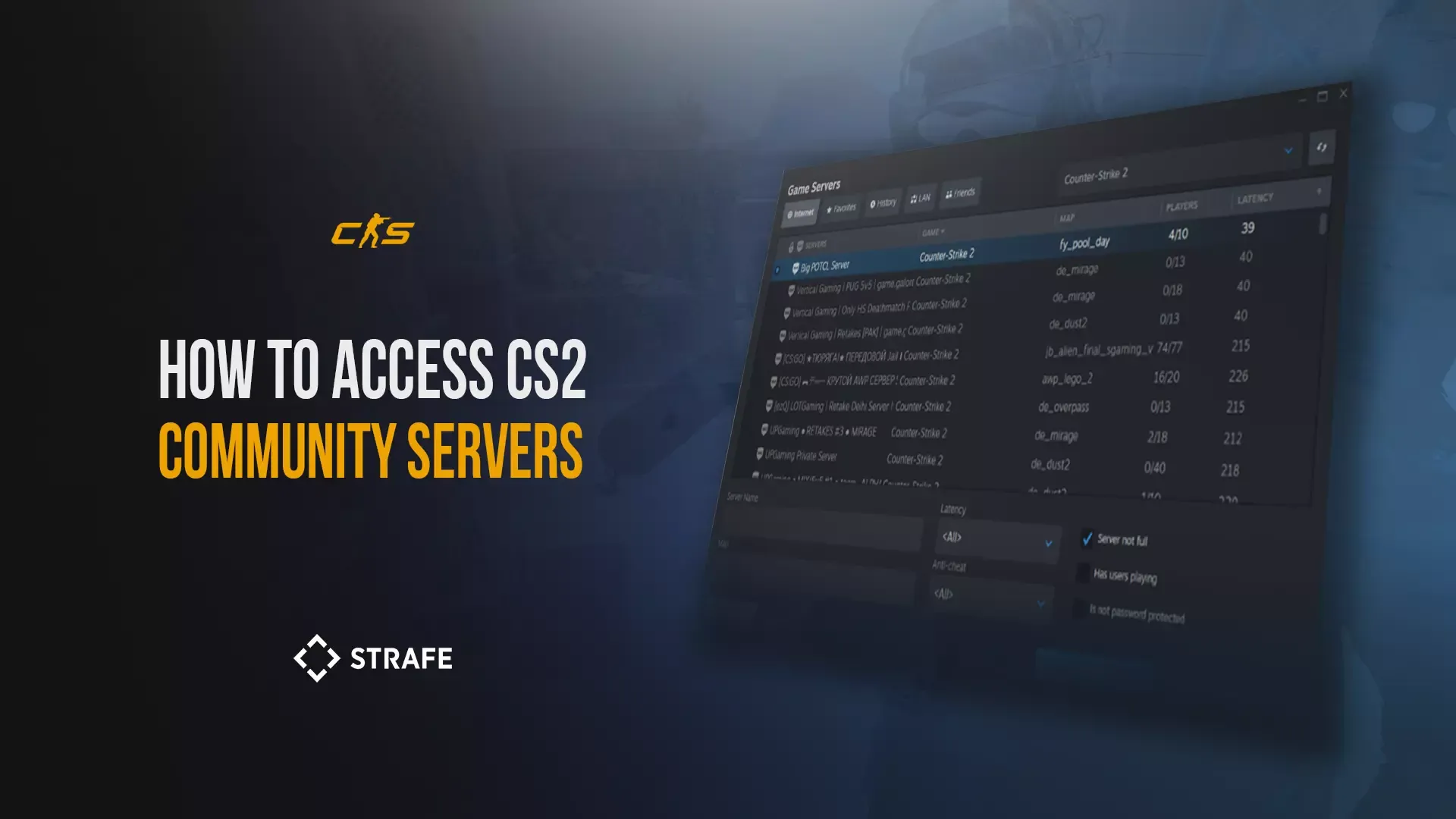
How to Access CS2 Community Servers and Maps?
You’ve downloaded CS2 and played several rounds of Competitive or Premier. Or maybe you’ve been on the exclusive Wingman grind. Whatever your reason, you’re looking to expand your horizons and up your game. One of the best selling points about the Counter-Strike franchise has always been the community. What are CS2 Community Servers? CS2 community servers are custom lobbies created and hosted by players or individuals within the CS2 community. Unlike the official servers hosted by Valve, these servers can
How to Practice Nade Line-ups in CS2
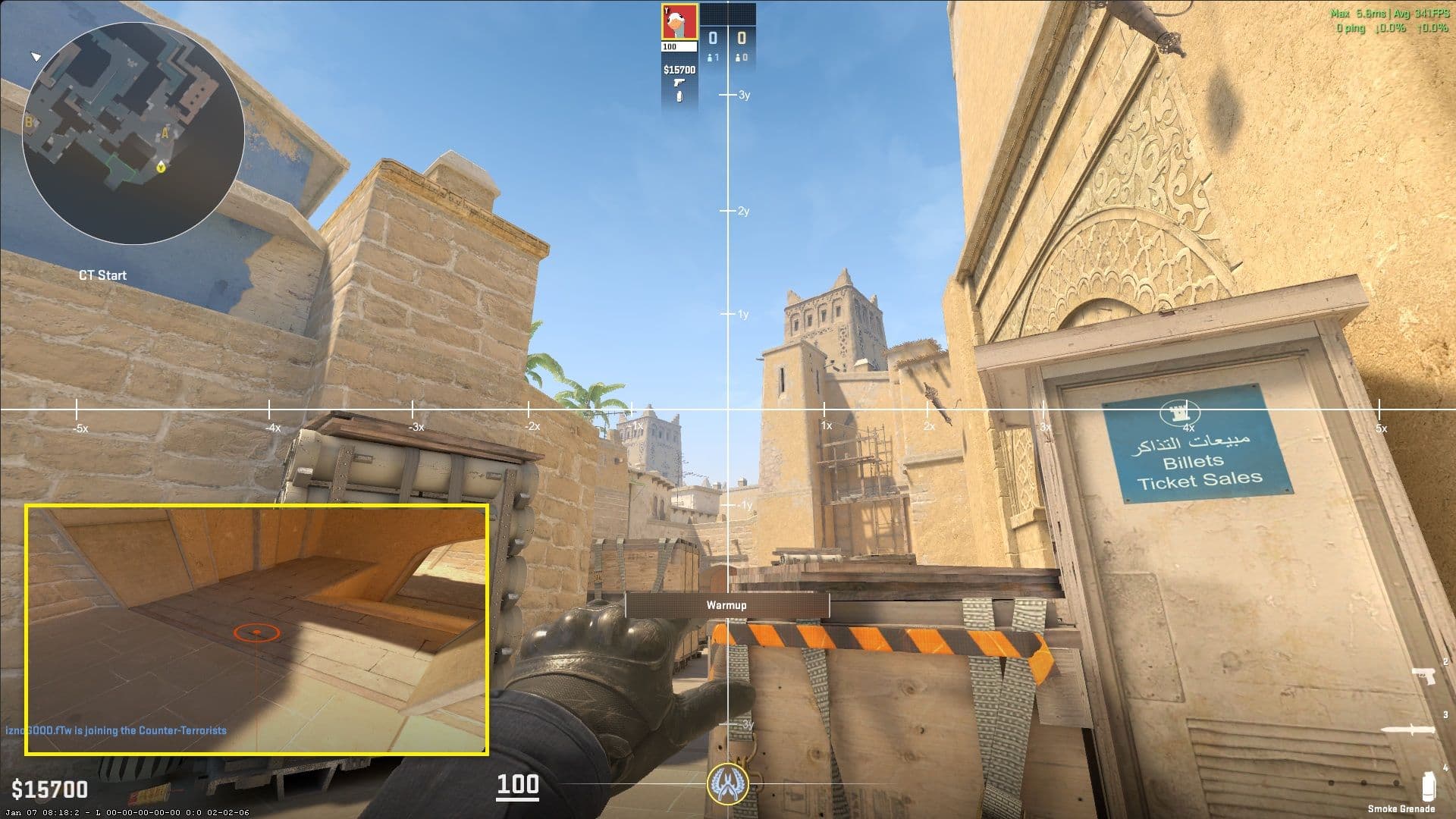
Grenades are a core part of what makes Counter-Strike 2 a tactical shooter rather than just a game of aim. From smokes and flashes to molotovs and HE grenades, proper utility usage can completely change how a round plays out. This guide breaks down everything you need to know about CS2 nades, starting with how to set up an effective practice server using the built-in tools like the grenade camera, infinite ammo, and infinite warmup. It also covers the best settings for practicing consistent line-ups, where to find reliable utility guides and workshop maps, and how to choose line-ups that actually work in real matches. Finally, the guide outlines a practical routine to help you practice efficiently, understand grenade physics, and confidently apply utility in competitive games.
How to change FOV in Counter-Strike 2?
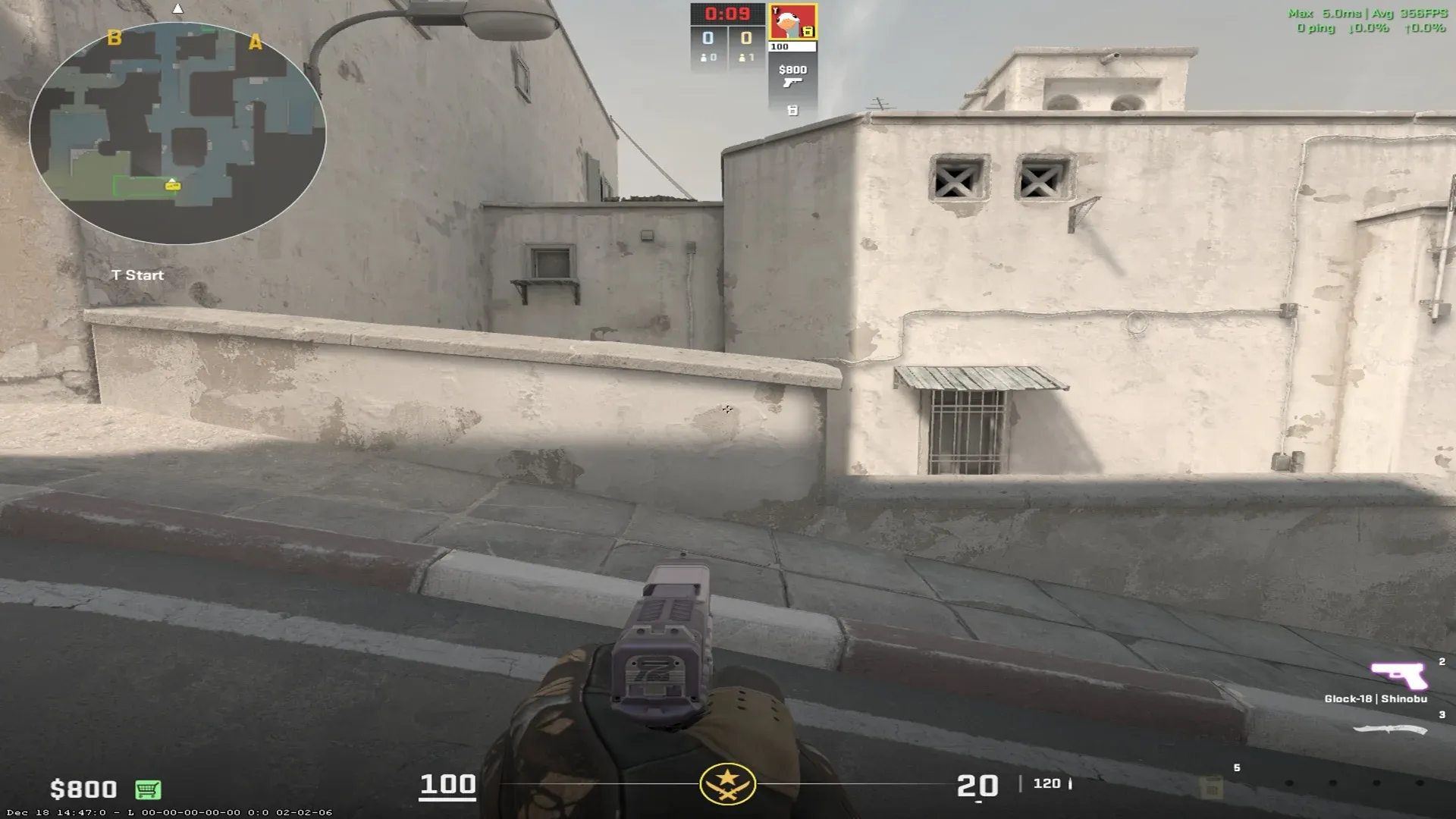
Most games do not allow players to change FOV, especially tactical shooters to ensure uniformity across multiple clients, competitive integrity and saving resources. CS2 also doesn't necessarily allow you to change the FOV, but there are ways to adjust the FOV and your viewmodel’s perspective.
How to Make a Private Match in CS2
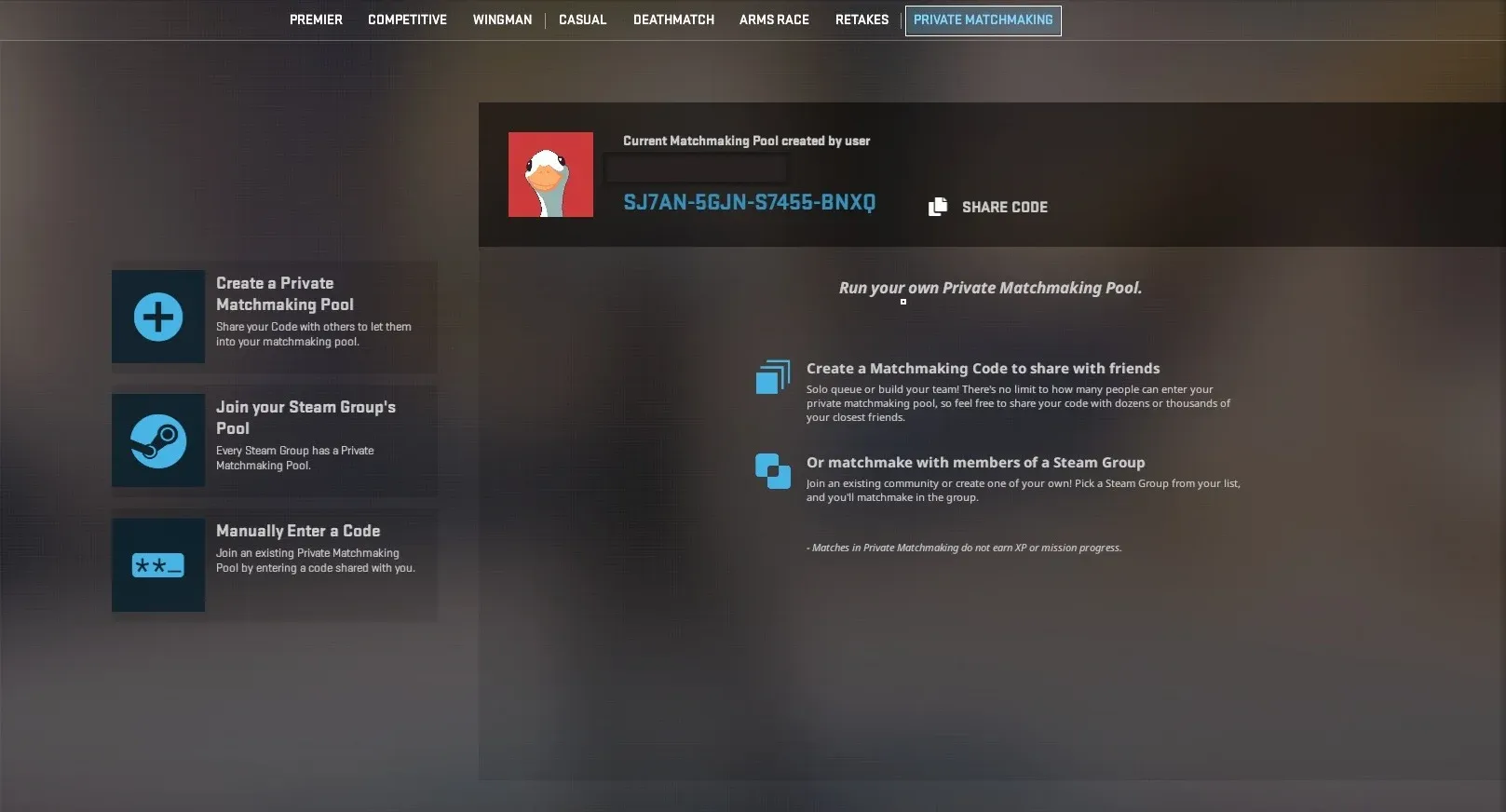
This guide explains everything you need to know about CS2 matchmaking, including ranked and unranked modes, private matches, and custom lobbies. Learn how to play with friends, host private games, customize settings, use console commands, and troubleshoot common matchmaking issues for the best Counter-Strike 2 experience.