
 en
en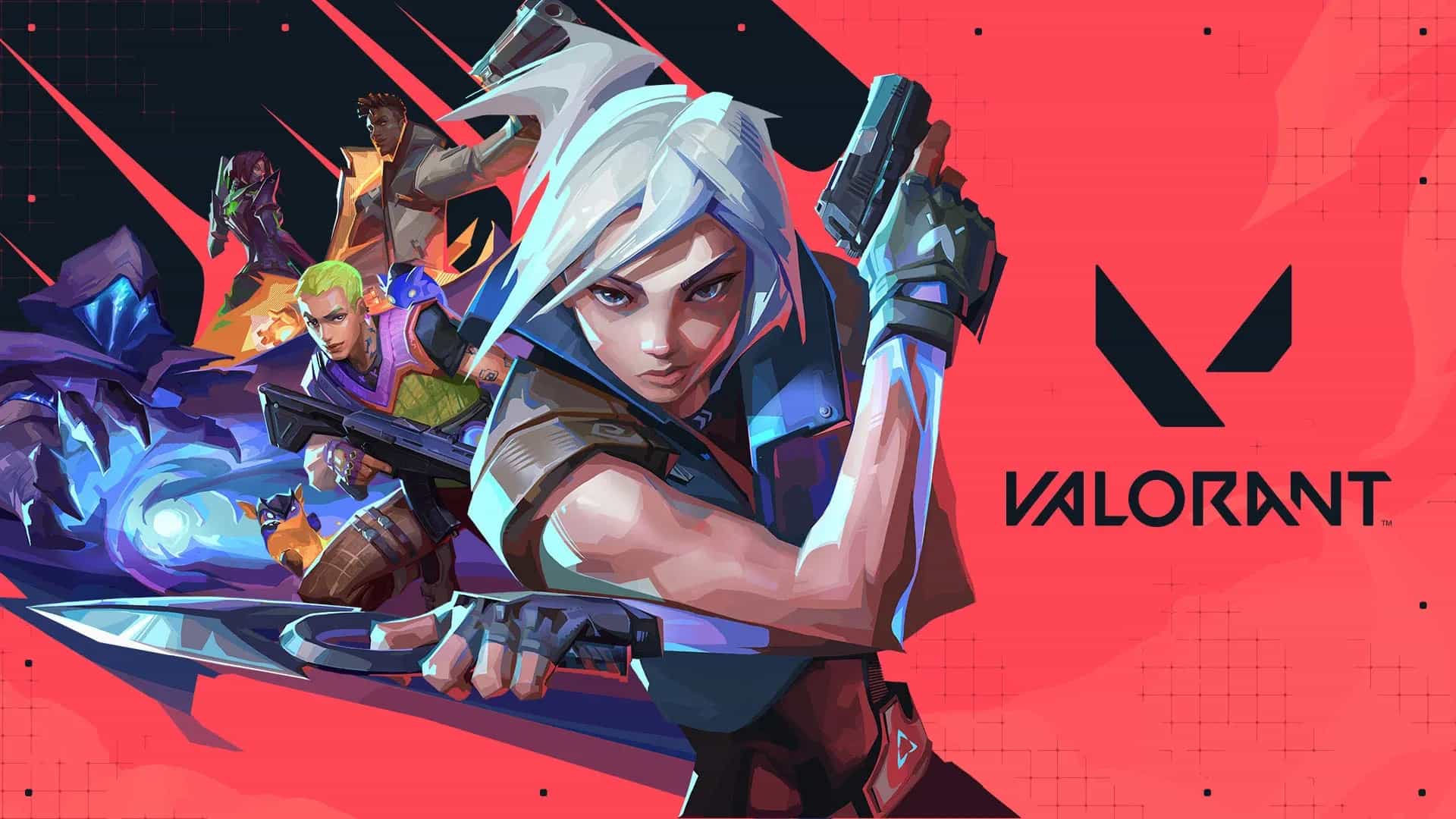
How to Strafe in VALORANT? Complete Movement Guide (2026)

8 Jun, 2026, 08:59
|Last updated: 8 Jun, 2026, 08:59
How to strafe in VALORANT? Complete movement guide (2026)
Strafe in VALORANT is the technique of moving side to side with the A and D keys to be a harder target to track. In this guide you'll learn basic strafe, stop-shoot, counter-strafe, jiggle peek, shoulder peek and the key difference between VALORANT and CS2. Elite players like aspas (MiBR) use these direction changes to win duels with better timing and less exposure.
What is strafe in VALORANT? – Direct answer
Strafe in VALORANT is the lateral movement technique that involves shifting side to side using the A (left) and D (right) keys. When you strafe, you're a harder target for the enemy to track. The key: when you stop moving and shoot, your accuracy is maximum. If you shoot while moving, the bullets spread out.
This matters because moving greatly increases weapon spread (bloom), while standing still gives you maximum accuracy, though it also makes you an easier target. That's why the right rhythm in VALORANT is simple: move → stop → shoot → move again. If you master that cycle, you become less predictable without losing consistency in your duels.
- Moving increases spread (bloom) and reduces your accuracy.
- Standing still maximizes accuracy, but leaves you stationary against the opponent.
- The solution is mastering the rhythm: move → stop → shoot → move again.
- Strafe makes you less predictable and harder to track.
Movement states in VALORANT: what affects your accuracy
Before practicing strafe, understanding how movement affects bullet spread (bloom) is essential.
| Movement state | Keys | Accuracy / Spread | Speed | When to use it? |
|---|---|---|---|---|
| Standing still | No movement | ✅ Maximum accuracy | 0 (stationary) | Shooting in duels; guaranteed maximum damage. |
| Crouching | Ctrl/C | ✅ High accuracy | Very slow | Close-range duels; reduces silhouette and improves spread. |
| Walking | Shift + A/D | ✅ Good accuracy | Slow | Silent rotations; enemy can't hear you. |
| Paused strafe (stop-shoot) | A/D → release | ✅ Maximum when stopped | Normal | The basic technique: strafe → stop → shoot. |
| Running | A/D held | ❌ Minimum; bullets spread | Fast | Only for repositioning; never for shooting. |
| Airborne | Jump | ❌ Very inaccurate | — | Only for positional jumps; never for duels. |
The 4 strafe techniques in VALORANT: summary
| Technique | Difficulty | What it does | When to use it | Most common mistake |
|---|---|---|---|---|
| Basic strafe | ⭐ Easy | Move side to side (A/D) to be hard to track. | Always; it's the foundation of movement in any duel. | Shooting while moving. |
| Stop-shoot | ⭐ Easy | Strafe → release key → shoot. It's the fundamental cycle. | Every duel; it's the most important mechanic in the game. | Shooting before fully stopping. |
| Counter-strafe | ⭐⭐ Moderate | Press the opposite key to your movement to stop faster. | When you need to stop and shoot in the shortest time possible. | Obsessing over it when stop-shoot already works. |
| Jiggle peek | ⭐⭐ Moderate | Quickly peek out and back into cover with a short A/D. | Gather info or bait enemy bullets without committing. | Peeking too much; it should be a fraction of a second. |
| Shoulder peek | ⭐⭐⭐ Hard | Show your shoulder to bait the shot then push in. | Against Operator or Outlaw; to force them to spend the bullet. | Doing it against rifles; they kill you anyway. |
Technique 1: basic strafe and stop-shoot – The foundation of everything
This is the most important part of the entire guide. Before thinking about advanced techniques, you need to master the habit of moving, stopping, and shooting accurately.
The fundamental cycle: move → stop → shoot
Stop-shoot is the most important habit you can build in VALORANT. Everything else comes after.
- Move to one side with A or D to close the angle or dodge.
- Release the movement key; in VALORANT your character stops almost instantly.
- Shoot when fully stopped; your crosshair will be at its minimum size.
- Move again to dodge potential counterattacks.
- Repeat the cycle: move → stop → shoot → move.
In VALORANT, when you release the A or D key, your character stops almost instantly. This is different from CS2, where momentum persists longer. The most common mistake is shooting just a fraction of a second before you've fully stopped, and that detail ruins your accuracy.
How to check if you're shooting while standing still: Movement Error
Movement Error is a visual indicator that shows if you're truly stationary before shooting.
- Open VALORANT and go to Settings → Video → Interface.
- Find the “Show Movement Error” option and enable it.
- Enter The Range; you'll see an indicator around your crosshair.
- When the indicator completely disappears, you're stopped and your accuracy is maximum.
- Practice the cycle: move → stop until the indicator disappears → shoot.
This tool makes stop-shoot measurable. Use it until the right rhythm becomes automatic in every duel.
Technique 2: counter-strafe – The advanced version
What is counter-strafe?
Counter-strafe is pressing the opposite key to your movement to stop faster. For example, if you're moving right with D, briefly tap A to cut the movement. In VALORANT this does help, but it only reduces a small residual delay, because the game already stops you almost instantly when you release the key.
VALORANT vs CS2: the big difference
| Aspect | VALORANT | CS2 / CS:GO |
|---|---|---|
| Momentum on key release | ✅ Stops almost instantly; very little inertia. | ❌ Significant momentum; takes longer to stop. |
| Counter-strafe required? | Not required; releasing the key is enough for most. | Yes; essential for quick accuracy recovery. |
| Does counter-strafe help? | Yes; reduces the small residual delay for a marginal edge. | Yes; the advantage is greater and much more necessary. |
| Verdict for beginners | Learn stop-shoot first. Counter-strafe is optional until Platinum/Diamond. | Counter-strafe from the start; it's essential. |
Verdict: if you're coming from CS2, counter-strafe is already muscle memory and you can keep it. If starting from scratch in VALORANT, learn stop-shoot first. Counter-strafe adds a real edge, but it's not the starting point.
Players like Aspas (MiBR) show that aggressive movement and quick direction changes are part of elite play in VALORANT. Counter-strafe is one tool in that kit, but not the only or most important one when starting out.
If you want to understand how your weapon affects the need to stop before shooting, check our VALORANT guns guide.
How to practice counter-strafe: step-by-step exercise
- Enter The Range and enable Movement Error if you haven't already.
- Move left holding A then briefly tap D to stop; note the difference.
- Practice the rhythm: A… briefly tap D → shoot → D… briefly tap A → shoot.
- Start with long strafes, 2-3 steps, and gradually shorten the distance.
- Your goal is a fluid, unconscious cycle of strafe, stop, and shoot.
Technique 3: jiggle peek – Info without risk
What is jiggle peek and what is it for?
Jiggle peek is briefly peeking around an angle and returning to cover without committing to a duel. Its main goal is gathering info: knowing if there's an enemy, where they are, or if they're holding the angle. Its secondary goal is baiting the enemy's shot, especially against Operator.
What it's not: it's not for shooting while moving. If you see the enemy, you have to stop and shoot or return to cover to readjust.
How to do jiggle peek: step-by-step technique
- Position next to a wall or corner, with your shoulder almost touching cover.
- Place your crosshair at head height where you expect the enemy before peeking.
- Briefly tap the strafe key, short and not held.
- Your exposure should last 0.2 to 0.3 seconds; just enough to check the angle.
- Immediately return to cover, releasing the key or using counter-strafe.
- Process what you saw: if enemy, adjust; if not, jiggle again or push.
- Vary the rhythm; predictable patterns are easy to read.
The most common mistake is peeking too far and giving the enemy time to adjust their aim. In a good jiggle peek, you barely clear the corner and return to cover.
Crosshair placement before the peek is also key. If you want to dive deeper, pair this guide with our VALORANT guns guide, since shot timing varies by weapon.
When not to jiggle peek:
- Against agents with flashes like Breach or Skye, who can blind you on peek.
- When the enemy already knows exactly where you are and the peek gives no new info.
- In areas with multiple angles, where exposing to two lines of sight is very dangerous.
Technique 4: shoulder peek – Bait the Operator shot
Shoulder peek is more situational than jiggle peek. It involves showing more body than a jiggle to provoke the enemy shot, then punishing their recovery window, especially if they have Operator or Outlaw.
- Shoulder peek = show more body than in a jiggle to bait the enemy shot.
- Main use is against Operator or Outlaw, to force them to spend the bullet and enter re-scope.
- The difference from jiggle is exposing more body for a slightly longer fraction of time.
- After the enemy shot, push while they're in re-scope animation, with about 0.5 to 1 second window.
Step by step
- Identify the enemy has Operator or Outlaw, by sound or prior info.
- Place your crosshair at the right height before exiting.
- Strafe out exposing your shoulder, a bit more than a jiggle.
- Briefly pause to give the sniper time to shoot.
- Immediately return to cover when you hear the shot.
- If you heard the shot, push decisively right away; the sniper is in re-scope animation.
Don't shoulder peek against rifles. There's no punish window there and the risk is much higher, as they can burst you during that brief pause.
Practice routine: how to improve your strafe in VALORANT
3-phase plan for beginners (15–20 minutes/day)
| Phase | Exercise | How to do it | Goal |
|---|---|---|---|
| 1 (5 min) | Stop-shoot in The Range | Strafe toward bots → fully stop (Movement Error disappears) → shoot one bullet → repeat. | Feel the move → stop → shoot rhythm. Priority: stop before shooting. |
| 2 (5 min) | Jiggle in The Range corners | Practice jiggle peek on range corners → bot in angle → stop → shoot → return. | 0.2–0.3 s exposure. See the bot, don't shoot while moving. |
| 3 (10 min) | Applied Deathmatch | Enter Deathmatch and use stop-shoot in every duel; don't shoot while moving. | Turn the mechanic into habit in a real combat environment. |
The biggest movement improvement doesn't come from advanced techniques. It comes from stopping shooting while moving. Train that habit for a week and you'll notice the difference almost immediately.
FAQs about strafe in VALORANT
How do you strafe in VALORANT?
Use A and D keys to move side to side. The basic technique is: move → release key → shoot when fully stopped. Repeating that cycle is the foundation of movement in VALORANT.
Is counter-strafe necessary in VALORANT?
No, it's not required. Unlike CS2, in VALORANT your character stops almost instantly on key release. Counter-strafe does give a small edge at high level, but learn stop-shoot first.
Can you shoot while strafing in VALORANT?
Technically yes, but you shouldn't. Shooting while moving causes extreme spread and makes bullets go outside where your crosshair points.
What is jiggle peek in VALORANT?
It's briefly peeking an angle for 0.2 to 0.3 seconds and returning to cover. Used to gather info or bait the enemy shot without committing to a direct duel.
Where to practice strafe in VALORANT?
Two main spots: The Range, to practice with Movement Error enabled, and Deathmatch, to apply it under real pressure against players.
Does Aspas do counter-strafe in VALORANT?
aspas, MiBR player and one of the most renowned Brazilian pros, stands out for combining clean stop-shoot with very quick direction changes. The key isn't just counter-strafe, but timing and deciding when to commit to the duel.
When you master movement, the next step is understanding which agents make best use of these mechanics. Check the VALORANT agent tier list to see which get the most value from strafe, especially aggressive picks like Jett or Reyna.
Featured image credits: Riot Games