
 en
en
How to Fix "An Error has Occurred" in Shop bug for League of Legends
Encountering the "An Error Has Occurred" message in the League of Legends shop can be a frustrating experience for players eager to purchase champions, skins, or other in-game content. This comprehensive guide covers the causes, step-by-step solutions, and essential tips to help you resolve this issue and get back to enjoying your game.
Common Causes of the Shop Error
Several factors can trigger the "An Error has Occurred" shop error in League of Legends:
- Server Issues: Temporary outages or maintenance on Riot's servers can disrupt shop functionality
- Outdated Software: Running an outdated operating system or League client may cause compatibility issues
- Firewall or Antivirus Interference: Security software can mistakenly block the game’s access to shop servers
- Network or DNS Problems: Unstable internet connections or DNS cache issues can prevent communication with the shop
- Third-Party Applications: Overlays, custom skins, or VPNs may interfere with the client’s ability to connect
- Corrupted Cache or Game Files: Accumulated cache or damaged files can cause persistent errors
Step-by-Step Solutions
Follow these troubleshooting steps in order to quickly identify and resolve the shop error:
1. Check Server Status
- Visit the official League of Legends server status page or Riot's social media channels to confirm if there are ongoing issues. If servers are down, wait for Riot to resolve the problem.
2. Restart and Relog
- Log out of your Riot account and log back in. This refreshes the client and can clear temporary glitches.
3. Update Your System and Game Client
- Ensure your operating system and League of Legends client are fully updated. Outdated software can cause unexpected errors.
4. Clear Cache and Repair Game Files
- Use the League client’s built-in repair tool:
- Go to the gear icon (Settings) in the client.
- Under "General," select "Initiate Full Repair" to clear cache and fix corrupted files
- Alternatively, use the Hextech Repair Tool for automated troubleshooting, repatching, or a clean reinstallation.
5. Adjust Firewall and Antivirus Settings
- Add League of Legends to your firewall and antivirus exceptions:
- Open Windows Defender Firewall (firewall.cpl).
- Allow LeagueClient.exe through both public and private networks.
- Temporarily disable your firewall or antivirus to test if they are the source of the issue.
6. Flush DNS and Reset Network Settings
- Open Command Prompt as Administrator and enter the following commands, pressing Enter after each:
- ipconfig /flushdns
- ipconfig /registerdns
- ipconfig /release
- ipconfig /renew
- netsh winsock reset
- Restart your PC after completing these steps
7. Disable VPNs, Proxies, and Third-Party Apps
- Disconnect from any VPN or proxy services, as they can interfere with shop connectivity.
- Disable overlays or custom skin programs, which may conflict with the client.
8. Verify Network Connection
- Ensure you have a stable internet connection. Consider switching to a wired connection or resetting your router
9. Contact Riot Support
- If all else fails, submit a support ticket to Riot Games with detailed information and logs (the Hextech Repair Tool can help you collect these)
About the Hextech Repair Tool
The Hextech Repair Tool was Riot’s official automated troubleshooting utility. Support for it officially ended in August 2024. However, the final version of it can still be downloaded and includes simple functionality such as :
- Adjust firewall settings for League
- Switch to recommended DNS
Check out the Riot Games article on their official Support website for more information on the currently available tools at your disposal.
Final Tips
- Always start with server status checks to rule out widespread outages.
- Avoid using VPNs or third-party overlays unless necessary.
- Keep your system and game client up to date for optimal compatibility.
- If you’re unsure about any step, Riot’s support team is available to assist.
With these steps, most players can resolve the "An Error Has Occurred" shop bug and return to enjoying League of Legends’ full range of features.
Follow Strafe Esports for all the latest League news and our X account for the latest content and coverages. Also, stay tuned to Strafe YouTube for exclusive interviews, press conferences, and more.
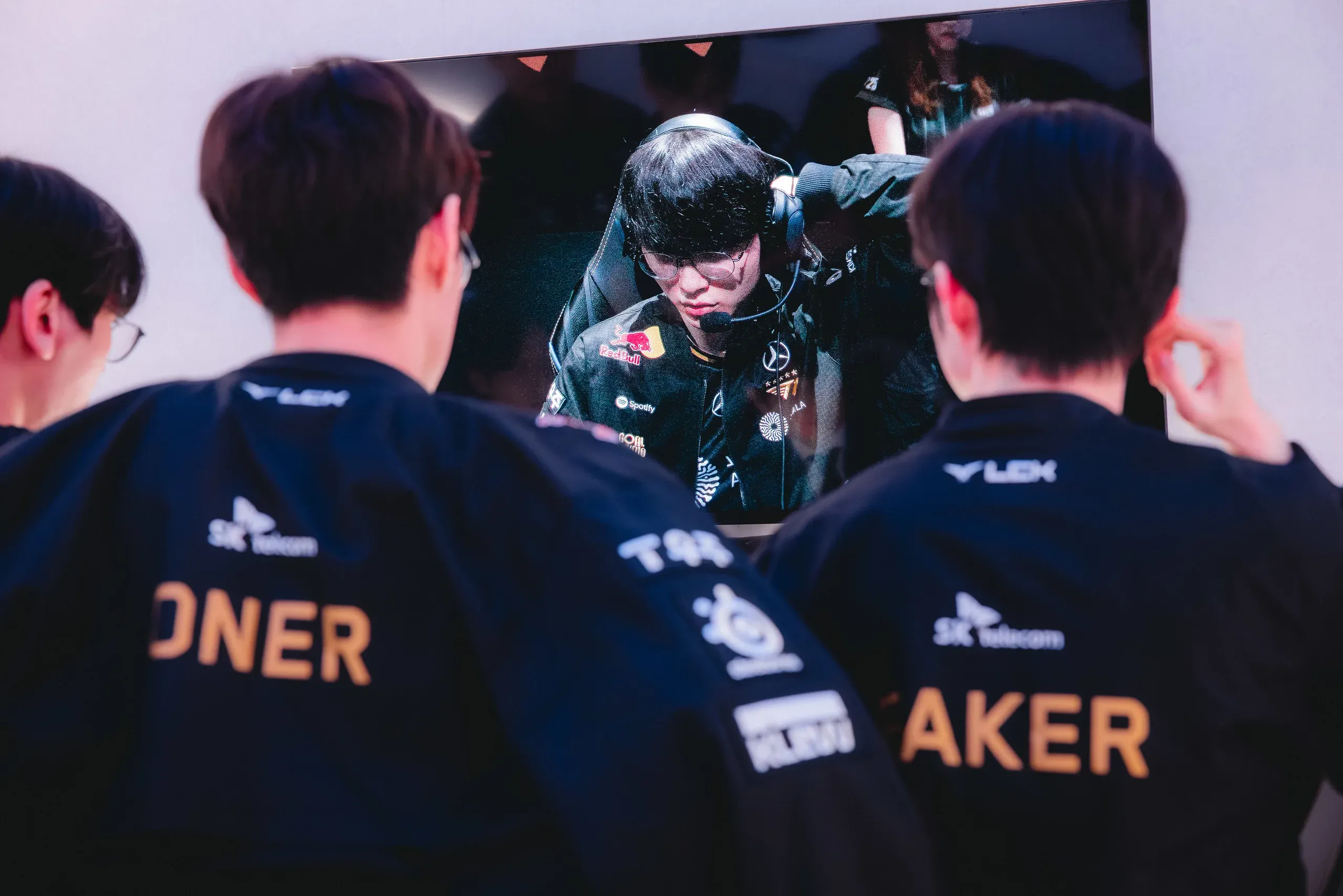
Feature image credits: Riot Games